



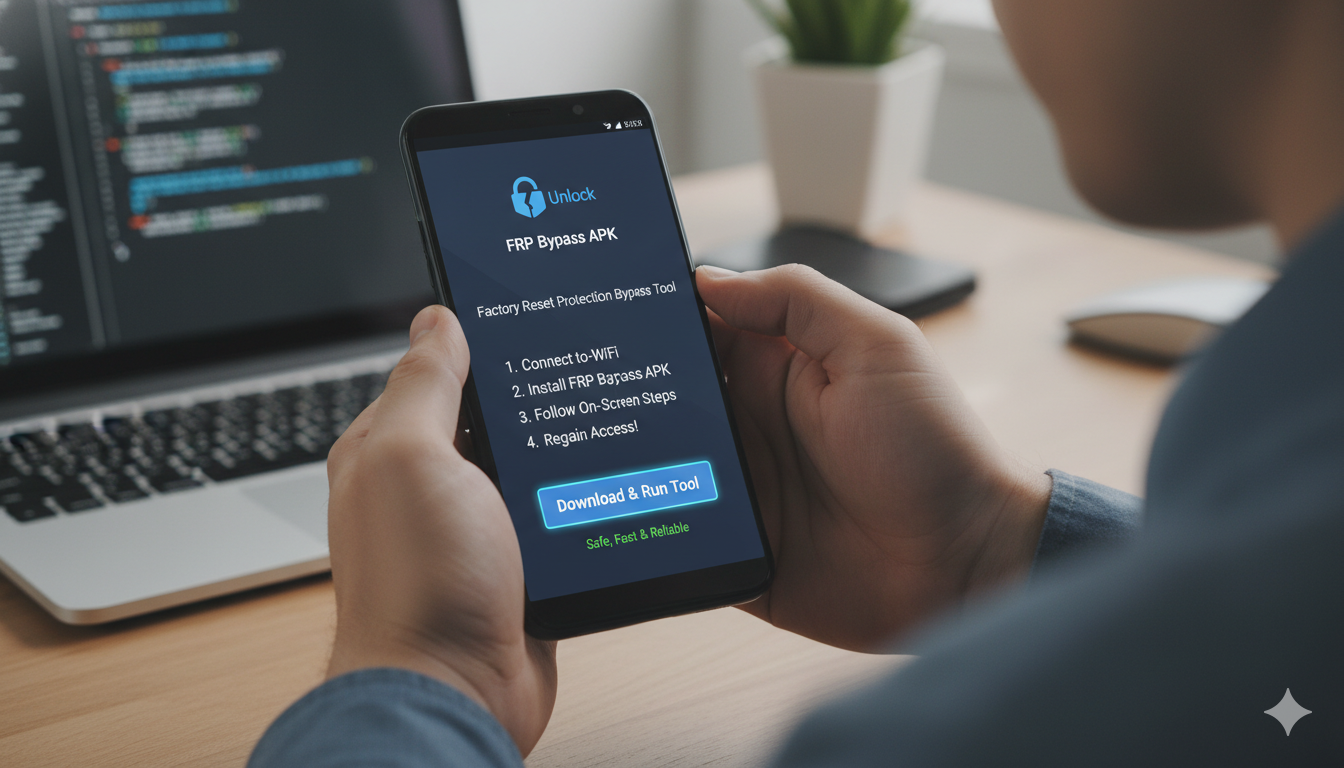
Getting locked out of your own smartphone feels like losing your house keys. It usually happens after you reset your phone and realize you forgot the Google account password. This is called Factory Reset Protection. While it is meant to keep your phone safe, it can be a huge headache for the rightful owner. Luckily, using an FRP Bypass APK can help you get back into your device without needing a professional technician or spending a lot of money.
I have seen many friends struggle with this exact problem after buying a used phone or simply forgetting their old login details. It is a common issue, but the solution is simpler than most people think. By downloading a small utility tool, you can skip the verification screen and start using your phone again in just a few minutes. Let’s dive into how this process works and which tools are the safest for you to use today.
What Exactly is a Factory Reset Protection Lock?
Factory Reset Protection, or FRP, is a security feature built into Android devices. Its main job is to make sure that if your phone is stolen, a thief cannot just wipe it and sell it. It requires the original Google ID and password to activate the phone after a factory reset. However, if you are the real owner and you are stuck, an frp bypass apk download becomes your best friend to regain access to your apps and photos.
Why You Might Need an FRP Bypass APK Today
You might need an frp bypass apk if you performed a hard reset and can’t remember your credentials. Sometimes, people buy a second-hand phone and find out the previous owner didn’t remove their account. In these cases, the phone is basically a paperweight until you bypass the lock. Using a dedicated frp bypass apk file allows you to navigate around the setup wizard and add a brand-new Google account of your own.
The Best Ways to Get an FRP Bypass APK Download
When you are looking for an frp bypass apk download, it is very important to use trusted sources. There are many websites out there, but you want to stick to the ones that are known for being clean and working well. Most users look for a direct frp bypass apk file that they can load onto a USB drive or download directly through the device’s hidden browser. This ensures you have the right tool for your specific Android version.
Key Details and Compatibility Table
| Feature | Information |
|---|---|
| Tool Name | FRP Bypass Utility |
| Developer | Various (Open Source / Community) |
| File Size | 2 MB – 15 MB |
| Android Version | 5.0 Lollipop to Android 14/15 |
| Device Support | Samsung, LG, Motorola, Huawei, and more |
| License | Free to Use |
| Main Function | Skip Google Account Verification |
How to Use the Samsung FRP Bypass APK Safely
Samsung devices are very popular, but they have some of the toughest security. If you have a Galaxy phone, you will specifically need a samsung frp bypass apk. This tool is designed to work with Samsung’s unique software. You usually need to access the “TalkBack” settings or use a computer tool to push the frp bypass apk into the phone’s memory. Once installed, it opens the settings menu so you can change the lock pattern.
Exploring the Popular VNROM FRP Bypass APK
One of the most famous names in the unlocking world is VNROM. The vnrom frp bypass apk is a favorite because it is updated very often. It hosts a collection of small files that help you bypass different parts of the security system. I personally find the vnrom frp bypass apk very reliable because it covers almost every Android version. You just visit their site, click the link, and the tool does the heavy lifting for you.
Using Addrom FRP Bypass APK for Quick Results
Another great alternative is the addrom frp bypass apk. Similar to VNROM, this site provides a clean list of tools like “Settings APK” or “Quick Shortcut Maker.” Using the addrom frp bypass apk is great because the files are very small and download in seconds. If one tool doesn’t work on your specific phone model, you can try another one from their list until you find the perfect match for your device.
Finding the Right FRP Bypass APK DM Source
Some users prefer using “DM” or direct method links. An frp bypass apk dm link is usually a shortened URL that takes you straight to the download without many ads. This is helpful when you are typing on a tiny phone keyboard during the bypass process. Getting an frp bypass apk dm link from a YouTube tutorial or a trusted blog can save you a lot of time and frustration when you are in a hurry.
Step-by-Step Guide to Installing the APK File
To install an frp bypass apk file, you first need to find a way to open the browser on your locked phone. This is usually done through the Wi-Fi settings or emergency call tricks. Once you are in the browser, search for a trusted frp bypass apk download. Download the file, open it, and allow “Install from Unknown Sources.” After it installs, open the app to navigate directly to the Google login page or the device settings.
Is Using an FRP Bypass APK Legal and Safe?
Using an frp bypass apk is perfectly fine if you are the owner of the phone. It is your hardware, and you have the right to access it. However, always be careful about where you download your frp bypass apk file. Some bad websites might try to give you a virus instead of a tool. Stick to well-known names like VNROM or Addrom to keep your data safe and ensure your phone stays healthy and fast.
Common Problems When Trying to Bypass FRP
Sometimes, the frp bypass apk might not open, or the “Install” button might be grayed out. This usually happens because Google has patched the old security hole. If the first frp bypass apk download doesn’t work, don’t give up. You might need a newer version or a different method like the samsung frp bypass apk method. Technology changes fast, so make sure you are looking at guides from 2025 or 2026.
Tips for Success with Your FRP Bypass APK
Before you start, make sure your phone is charged to at least 50%. A sudden shutdown during a bypass can cause software errors. Also, try to have a stable Wi-Fi connection. When using the frp bypass apk, follow the steps slowly. Most people fail because they rush and skip a small setting. Remember, using an frp bypass apk file is about being patient and finding the right doorway into the system.
Frequently Asked Questions
1. Will an frp bypass apk delete my photos? No, using an frp bypass apk usually does not delete your data. However, if you already did a factory reset, your photos are likely already gone unless they were backed up to the cloud.
2. Does the vnrom frp bypass apk work on all brands? Yes, the vnrom frp bypass apk works on most Android brands including Samsung, Oppo, and Xiaomi. It is very versatile.
3. Is the samsung frp bypass apk free to use? Most versions of the samsung frp bypass apk are free. You should never have to pay for these basic utility files.
4. Can I use an frp bypass apk download without a computer? Yes, many methods allow you to download the frp bypass apk file directly onto the locked phone using a Wi-Fi connection.
5. What is the best site for an addrom frp bypass apk? The official Addrom website is the best place. It is easy to navigate and very popular in the tech community.
6. Why is my frp bypass apk dm link not working? Links can sometimes expire. If a “dm” link fails, simply search for a fresh frp bypass apk download on a major tech forum.
Conclusion: Getting Back Your Digital Life
In conclusion, being locked out of your phone is a temporary problem with a permanent solution. By using a reliable frp bypass apk, you can save yourself a trip to the repair shop. Whether you choose the vnrom frp bypass apk or the addrom frp bypass apk, the goal is the same: getting back to your messages and apps. Always remember to write down your new password this time so you don’t have to do this again!
If this guide helped you, feel free to share it with a friend who might be stuck. Do you have a specific phone model that is giving you trouble? Leave a comment below, and let’s talk about it!
